If you look at your server logs, you may see visitors called GPTBot, OAI-SearchBot, ClaudeBot or PerplexityBot. They are often lumped together as “AI bots”, but they do different jobs, and blocking them has very different costs. Some decide whether AI answers can find and cite you. Others only collect text to train models, and you can refuse them without losing anything in search.
The three kinds of AI crawler
Search crawlers
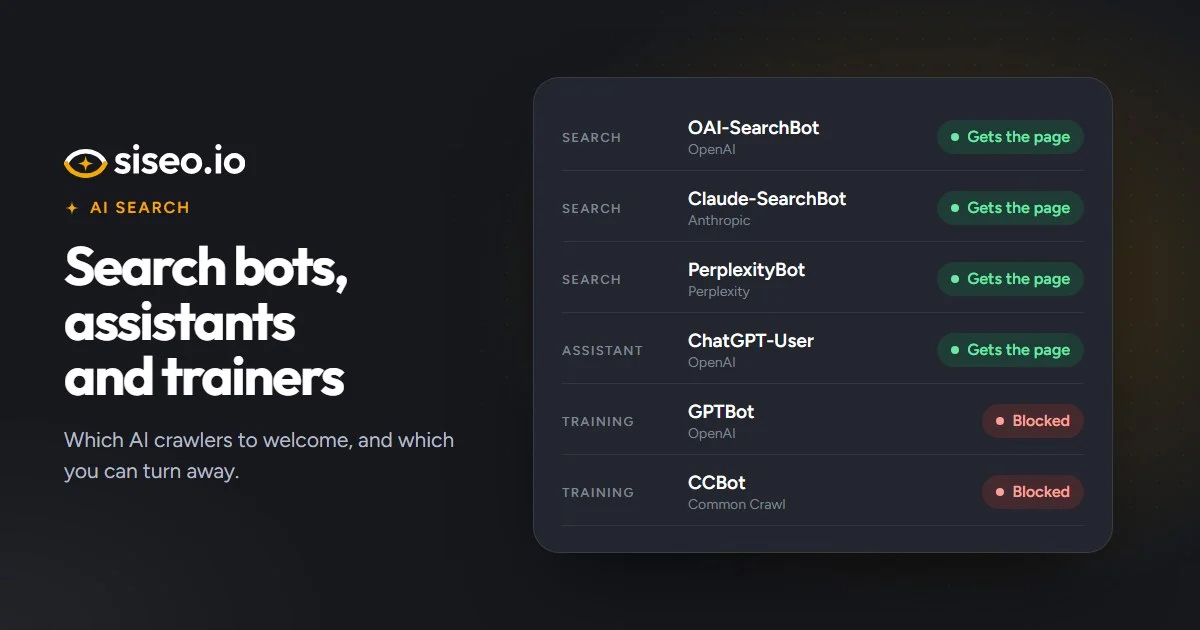
These build the index that AI search answers draw on. OAI-SearchBot does it for ChatGPT search, Claude-SearchBot for Claude, PerplexityBot for Perplexity, Applebot for Siri, Spotlight and Safari suggestions, DuckAssistBot for DuckDuckGo’s AI answers, Meta-WebIndexer for Meta AI, Amzn-SearchBot for Alexa and Amazon’s search, and MistralAI-Index for Mistral. If they can’t read your pages, those services can’t quote you, link to you or recommend you when people ask about what you offer.
Assistant fetchers
These open a page when a person asks an assistant something that needs it: ChatGPT-User, Claude-User, Perplexity-User, Meta-ExternalFetcher, Amzn-User and MistralAI-User. Google-Agent does the same for Google’s AI agents when they act for someone. They fetch pages on request, while the search crawlers above decide what gets indexed.
Training crawlers
These collect content to train AI models: GPTBot for OpenAI, ClaudeBot for Anthropic, CCBot for the Common Crawl dataset many models train on, Meta-ExternalAgent for Meta, MistralAI-Training for Mistral, Bytespider for ByteDance, and Amazonbot, which Amazon says improves its products and services and may train its AI models. Two more are names rather than crawlers. Google-Extended and Applebot-Extended never fetch pages themselves; listing them in robots.txt opts you out of Gemini training and grounding, and of Apple’s model training. Google-Extended has no effect on Google Search or AI Overviews.
The main AI crawlers at a glance
| Name in robots.txt | Run by | Kind | Used for |
|---|---|---|---|
| OAI-SearchBot | OpenAI | Search | ChatGPT search results |
| Claude-SearchBot | Anthropic | Search | Claude search results |
| PerplexityBot | Perplexity | Search | Perplexity answers |
| Applebot | Apple | Search | Siri, Spotlight and Safari suggestions |
| DuckAssistBot | DuckDuckGo | Search | DuckDuckGo AI answers |
| Meta-WebIndexer | Meta | Search | Meta AI search results and the links it cites |
| Amzn-SearchBot | Amazon | Search | Alexa and other Amazon search results |
| MistralAI-Index | Mistral | Search | Mistral AI search results |
| ChatGPT-User | OpenAI | Assistant | Pages ChatGPT opens when a user asks |
| Claude-User | Anthropic | Assistant | Pages Claude opens when a user asks |
| Perplexity-User | Perplexity | Assistant | Pages Perplexity opens when a user asks |
| Meta-ExternalFetcher | Meta | Assistant | Links Meta AI opens when a user asks |
| Amzn-User | Amazon | Assistant | Pages Alexa opens to answer a user |
| MistralAI-User | Mistral | Assistant | Pages Mistral AI opens when a user asks |
| Google-Agent | Assistant (no robots.txt name) | Pages Google’s AI agents open to act for a user | |
| GPTBot | OpenAI | Training | OpenAI model training |
| ClaudeBot | Anthropic | Training | Anthropic model training |
| Google-Extended | Training (name only) | Gemini training and grounding | |
| Applebot-Extended | Apple | Training (name only) | Apple model training |
| CCBot | Common Crawl | Training | The Common Crawl dataset many models train on |
| Meta-ExternalAgent | Meta | Training | Meta AI model training |
| MistralAI-Training | Mistral | Training | Mistral AI model training |
| Bytespider | ByteDance | Training | ByteDance model training |
| Amazonbot | Amazon | Training | Amazon products and services, and Amazon model training |
What blocking each kind costs you
Training crawlers: nothing in search. Blocking them is a legitimate business choice. It doesn’t affect Google Search or AI Overviews, and ChatGPT search, Claude and Perplexity use their separate search crawlers.
Search crawlers: your place in AI answers. A blocked search crawler keeps you out of that service’s answers, and the block is often an accident: a rule meant for training bots that catches search crawlers too, or a blanket Disallow: / under User-agent: *, which blocks every crawler without a group of its own.
Assistant fetchers: less than you might think. OpenAI, Perplexity, Meta and Amazon say their assistant fetchers may not follow robots.txt, and Google says its user-triggered fetchers, Google-Agent among them, generally ignore it, so a block there states a wish rather than stopping them. Their search crawlers do follow it, and those decide what is indexed. Anthropic says Claude-User follows robots.txt, and Mistral’s fetcher can be refused there too.
siseo scores them the same way: a blocked training crawler is a note that costs no points, while a blocked search crawler is a high-severity issue.
In short: refuse training crawlers if you want to; it costs nothing in search. Make sure no rule catches the search crawlers, because they decide whether AI answers can cite you.
A robots.txt that keeps search open and training closed
Give the crawlers you want one group and the ones you refuse another. Add groups like these to your existing file:
# Let AI search and assistant crawlers in
User-agent: OAI-SearchBot
User-agent: ChatGPT-User
User-agent: Claude-SearchBot
User-agent: Claude-User
User-agent: PerplexityBot
User-agent: Perplexity-User
User-agent: Applebot
User-agent: DuckAssistBot
User-agent: Meta-WebIndexer
User-agent: Meta-ExternalFetcher
User-agent: Amzn-SearchBot
User-agent: Amzn-User
User-agent: MistralAI-Index
User-agent: MistralAI-User
Disallow: /cart/

# Optional: opt out of AI training only
User-agent: GPTBot
User-agent: ClaudeBot
User-agent: Google-Extended
User-agent: Applebot-Extended
User-agent: CCBot
User-agent: Meta-ExternalAgent
User-agent: MistralAI-Training
Disallow: /
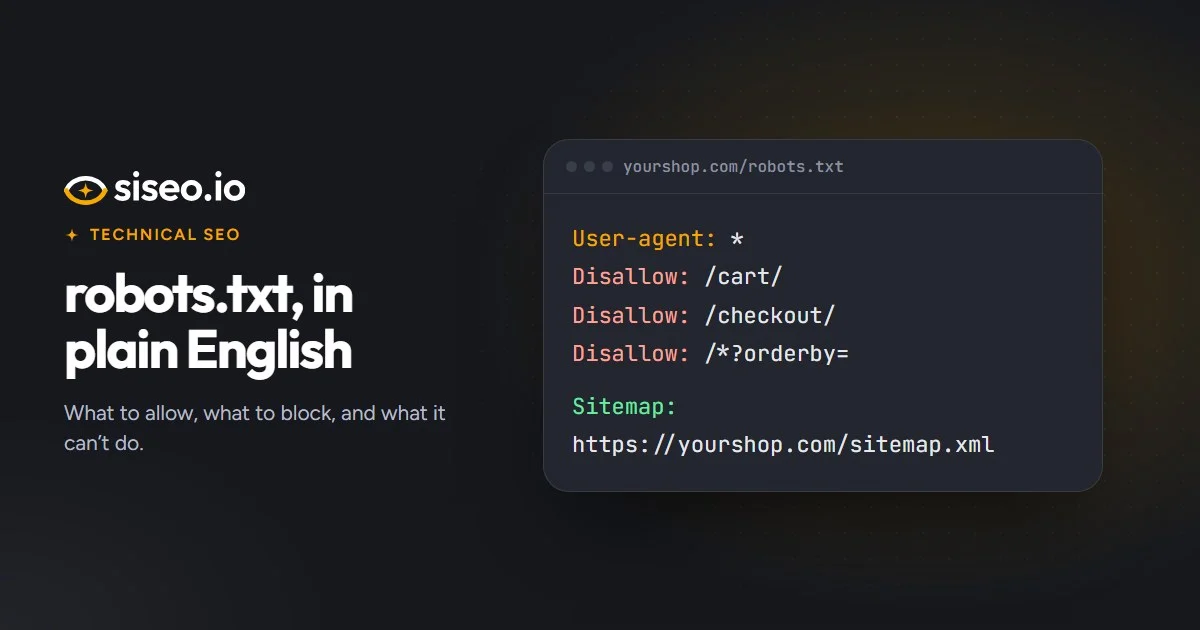
A crawler with its own group ignores the User-agent: * rules, so repeat any Disallow lines you still want, like /cart/ here. Add Bytespider or Amazonbot to the second group if you want to refuse them too; Alexa’s search uses Amzn-SearchBot, which stays in the first group. Changes aren’t instant: OpenAI and Perplexity say about 24 hours, DuckDuckGo up to 72 hours. For the basics of the file, see our plain-English guide to robots.txt.
Applebot follows your Googlebot rules unless you name it
Apple says that when robots.txt doesn’t mention Applebot but does mention Googlebot, Applebot follows the Googlebot rules. So a User-agent: Googlebot group also decides what Applebot may crawl for Siri, Spotlight and Safari suggestions. If you want different rules for Apple, give Applebot a group of its own. Apple describes this on its page about Applebot.
Firewalls can block what robots.txt allows
robots.txt isn’t the only gate. Firewalls, CDNs and security plugins often block AI crawlers by name, which keeps you out of AI answers even when robots.txt lets them in. Some sites also send crawlers a much smaller page than browsers get, such as a consent wall or a bot-protection page, and AI answers may then describe your business from that stub, or skip you.
siseo’s free scan requests your homepage the way each AI crawler identifies itself and compares the answers with a normal browser request. Those requests come from our servers, not from the crawlers’ published network addresses, so confirm in your firewall’s settings or logs before changing anything. Where your firewall supports it, allow the crawlers you want by verified identity rather than by name alone: OpenAI, Anthropic, Perplexity, Apple and DuckDuckGo publish the network addresses their crawlers use, so imitators stay blocked.
Cloudflare’s training setting can take you out of search
If your site runs through Cloudflare, check its AI crawler settings with care. Cloudflare now has separate controls for search, AI training and AI agents. Since 15 September 2026, choosing Block, or Block on pages with ads, for training also stops Googlebot, Bingbot and Applebot, because the same crawlers collect pages for both search and AI. That takes you out of Google, Bing and Apple search. Disallow AI Training refuses training through robots.txt and keeps those search crawlers. Cloudflare explains the change in its post on mixed-use crawlers.
- In Cloudflare, open your domain and go to Security → Settings to see the Search, Training and Agent crawler controls.
- If Training is set to Block or Block on pages with ads, switch it to Disallow AI Training, unless you also mean to leave Google, Bing and Apple search.
- In AI Crawl Control → Crawlers, allow the search and assistant crawlers you want to appear in.
- Check that Google can still crawl you: run a live URL Inspection test in Search Console, and look at Settings → Crawl stats for a rise in 403 responses.
- Open your robots.txt and check that the rules Cloudflare adds match your choices.
Cloudflare confirms crawlers by their network address or signed requests, which our test can’t reproduce, so siseo can’t see these settings and flags Cloudflare sites with a note to check them. Squarespace has a switch to check too: “Block known artificial intelligence crawlers”, under Settings → Crawlers, blocks a fixed list that can include search and assistant crawlers. Untick it if you want to appear in AI answers; that also lets training crawlers back in.
Google’s AI Overviews and Microsoft Copilot work differently
Google’s AI Overviews and AI Mode rely on Googlebot, so none of these crawler names affect them, Google-Extended included, and blocking Googlebot would cost you Google Search itself. The controls that matter are on each page. To appear as a source, a page must be indexed and eligible for a snippet, so nosnippet, or max-snippet:0, keeps its text out of search results and out of AI Overviews and AI Mode. To hide one passage, such as a disclaimer, wrap just that part in data-nosnippet. Google covers this in AI features and your website.
For Microsoft Copilot, the lever is also a page rule. Google no longer uses noarchive, but Bing does: pages marked noarchive are left out of Copilot answers and Microsoft’s AI training. If an old setting added it, remove it unless that is what you want.
Once they’re in, can they read the page?
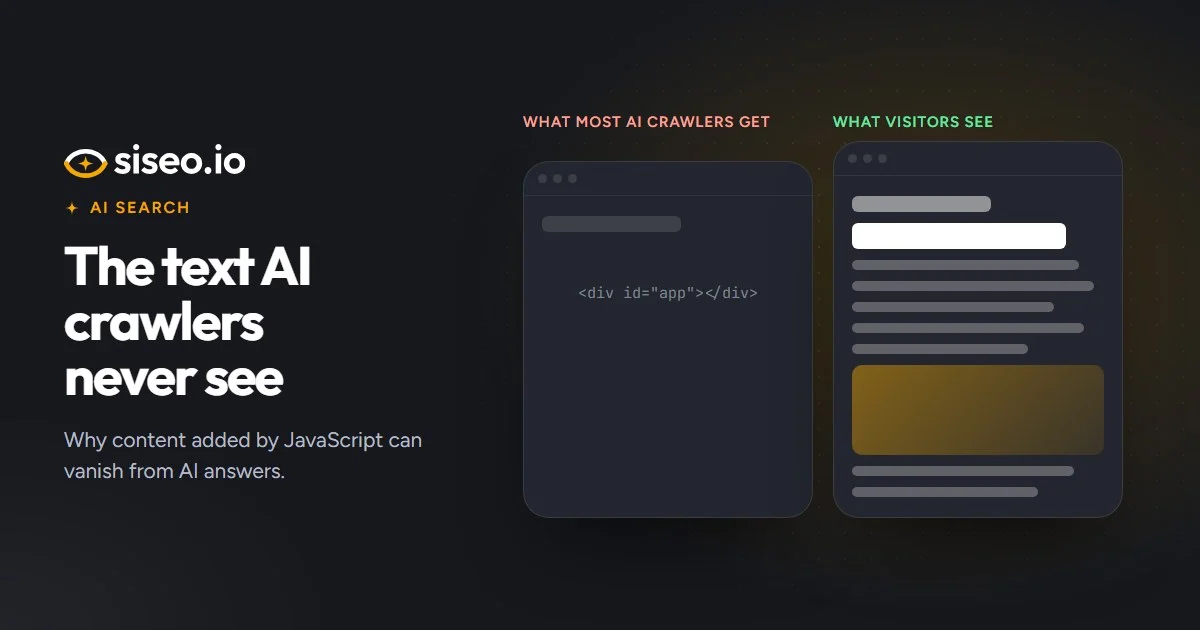
Access is only half of it. Most AI crawlers, including GPTBot, ClaudeBot and PerplexityBot, read the HTML your server sends and don’t run JavaScript, so text, headings or links that appear only after scripts run are invisible to them. Our guide to JavaScript and AI crawlers shows how to check. One thing you don’t need for AI answers is structured data: its value is rich results and helping search engines understand the page, as our structured data guide explains.